Description
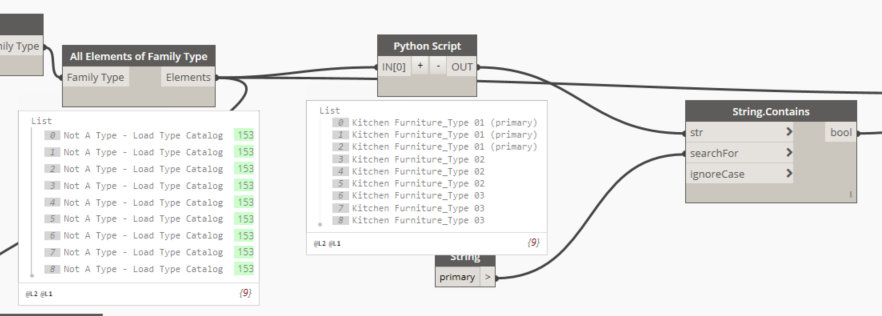
To get the design option of a set of elements (for filtering purposes) you first need to check if the design option is set or not and then access it. For most elements in Dynamo you first need to get the DB element and then access the required property.
Solution
python
import clr
clr.AddReference("RevitAPI");
from Autodesk.Revit.DB import *
clr.AddReference("RevitServices")
from RevitServices.Persistence import DocumentManager
doc = DocumentManager.Instance.CurrentDBDocument

def getDesignOptionName(element):

	el = doc.GetElement(ElementId(element.Id))
	if el.DesignOption <> None:
		return el.DesignOption.Name
	return ""

ret = []
for each in IN[0]:
	ret.append(getDesignOptionName(each))

#Assign your output to the OUT variable.
OUT = ret