 Import.
Create.
Done.
Room creation from Excel in one import. Multilingual support, bulk parameter assignment, and zero repetitive manual entry.
Get Digitteck Suite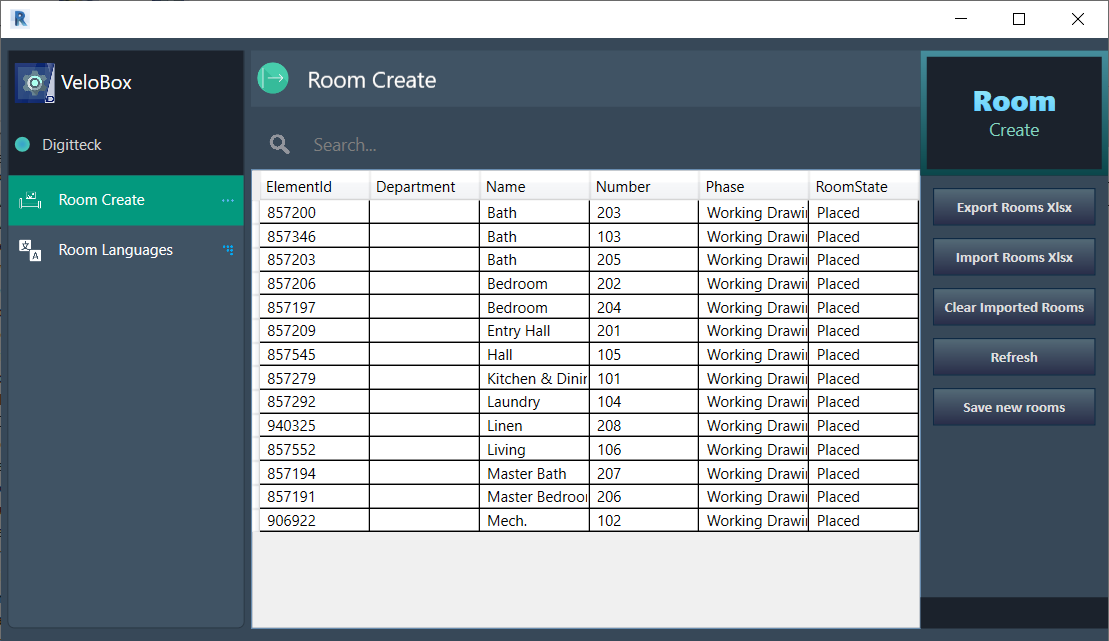
"Create once.
Distribute as
a template."
VeloBox is a versatile utility add-in for Autodesk Revit that automates repetitive room creation tasks. Define your room programme once in Excel, import it, and every room is created with the correct department, name, and number — automatically.
For BIM managers on international projects, VeloBox goes further: store multilingual room names within shared parameters and switch the active language on demand — no rework, no duplication.
Features
Excel Import
Bulk Room Creation
Auto Parameter Assignment
Multilingual Names
BIM Manager Workflows
Shared Parameter Support
Two workflows
Room Create
- Prepare your room programme in Excel: department, name, number.
- Import the file using VeloBox — rooms are created instantly in the active Revit model.
- Distribute the same Excel template to all project teams for a consistent room list.
Video demos
Introduction
Room Creation from Excel
Interface
Room creation panel
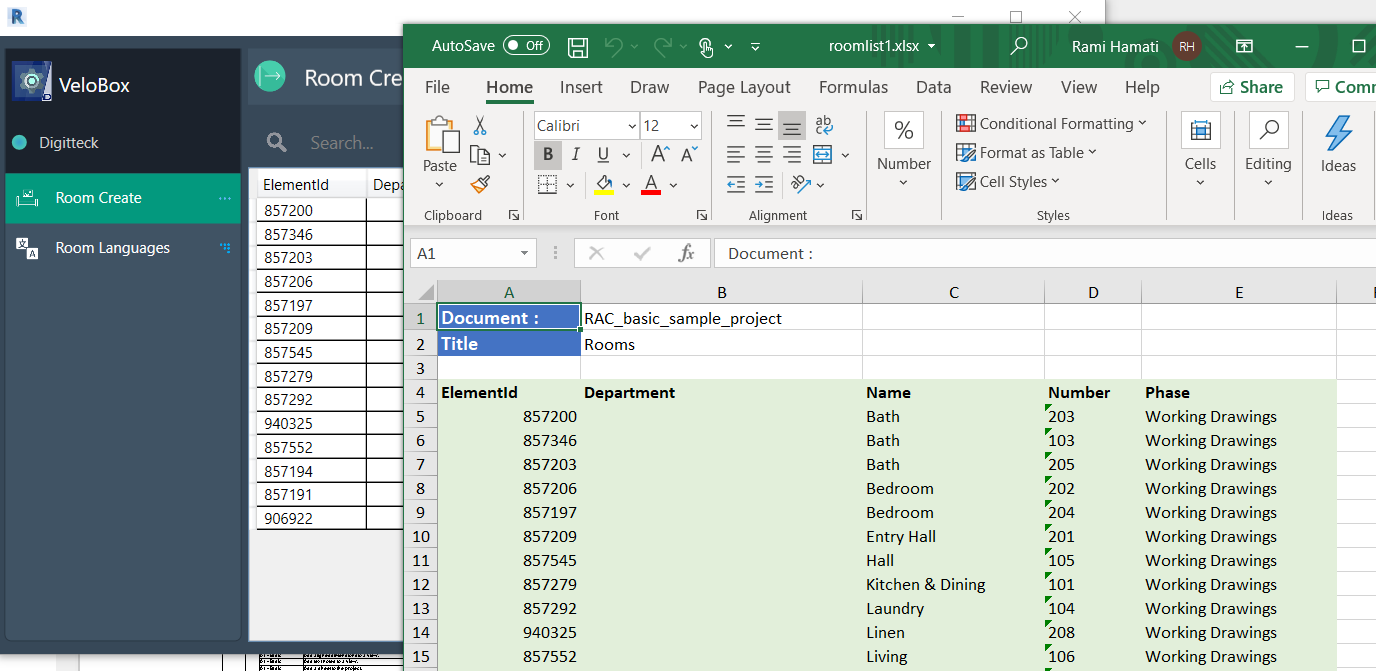
Excel import
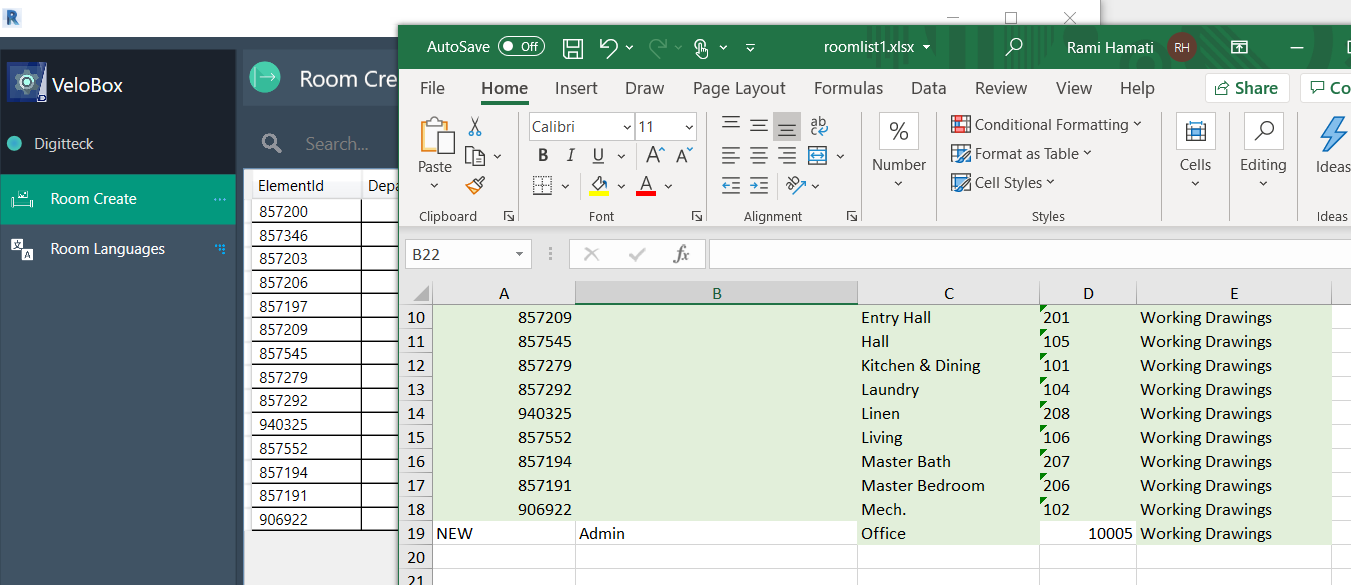
Parameters view
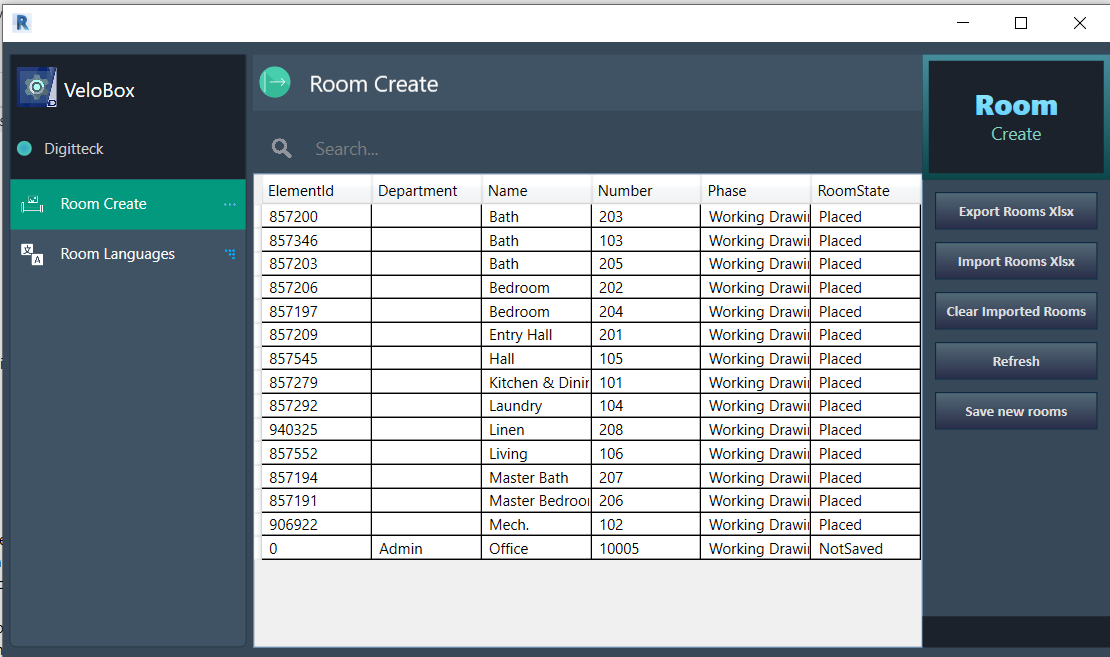
Multilingual setup
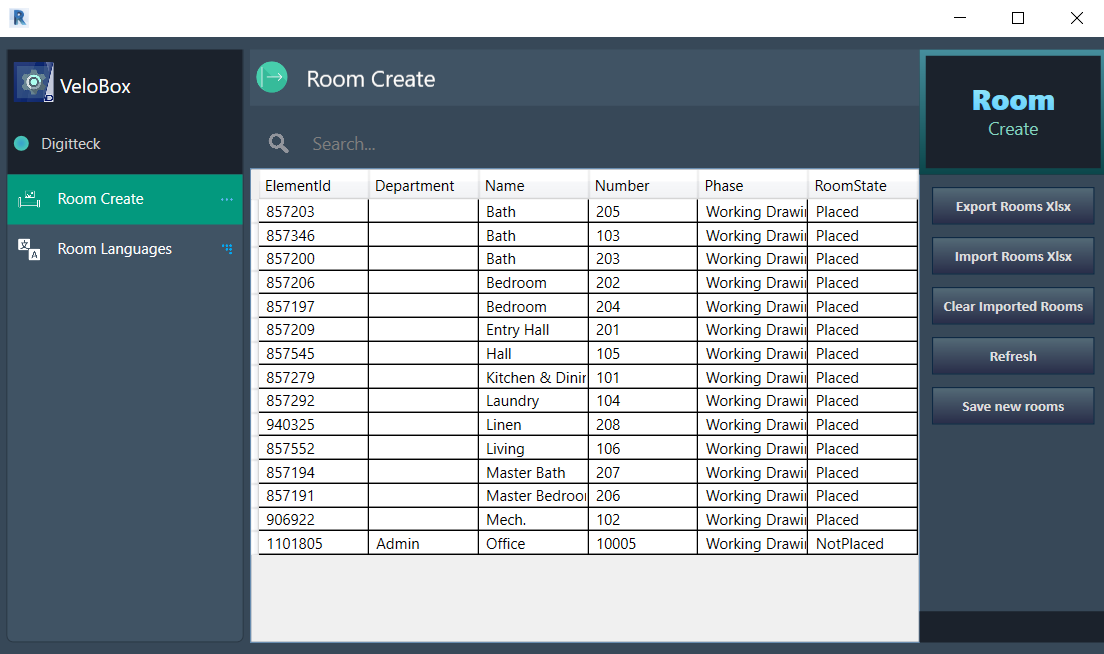
Room list
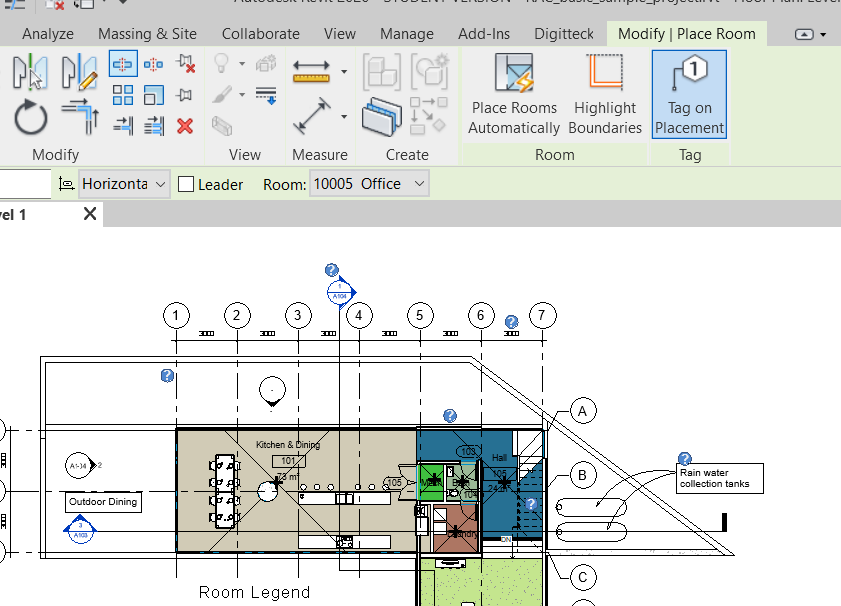
Settings
VeloBox is exclusively available as part of Digitteck Suite. You must have an active Digitteck Suite subscription from the Autodesk App Store and be logged into Revit with your Suite subscription email. Legacy standalone licenses remain valid but will not receive updates — please migrate to Suite for continued support.
VeloBox is part of
Digitteck Suite
Get it on Autodesk App StoreIncludes all five tools · Requires Revit for Windows