 AI that builds
Revit apps.
AI that looks up
the Revit API.
Describe the tool you need. Rhenergo builds it — an App on the visual composer or a React Code App, driven by IronPython scripts and Composer graphs underneath. Grounded in the real Revit API surface for your version. You read the code before it runs. Every run reports exactly what it changed.
Coming Soon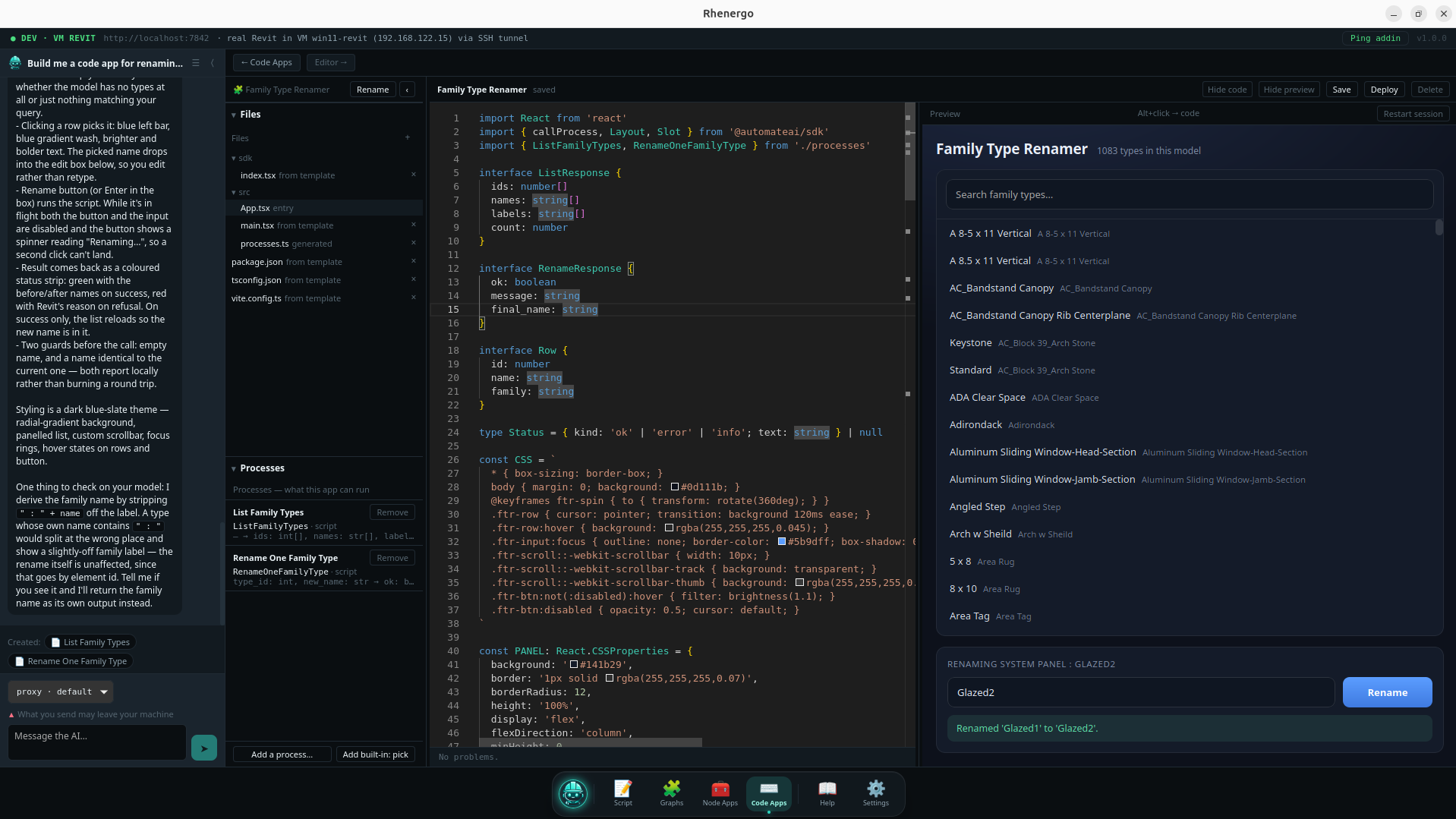
Breaking the hurdles
between an idea
and a Revit add-in.
Building a Revit add-in has meant a C# project, a compiled DLL, a manifest, and a way to get it onto every machine on the team. That is a long way to go for a tool that renames family types.
Describe what you need instead. Rhenergo writes it against the real Revit API for your installed version, and a working App is a ribbon button the same afternoon.
You read the code before it runs. Every run reports exactly which elements were added, modified, or deleted. One undoable operation.
See it work
Watch it build,
one way at a time.
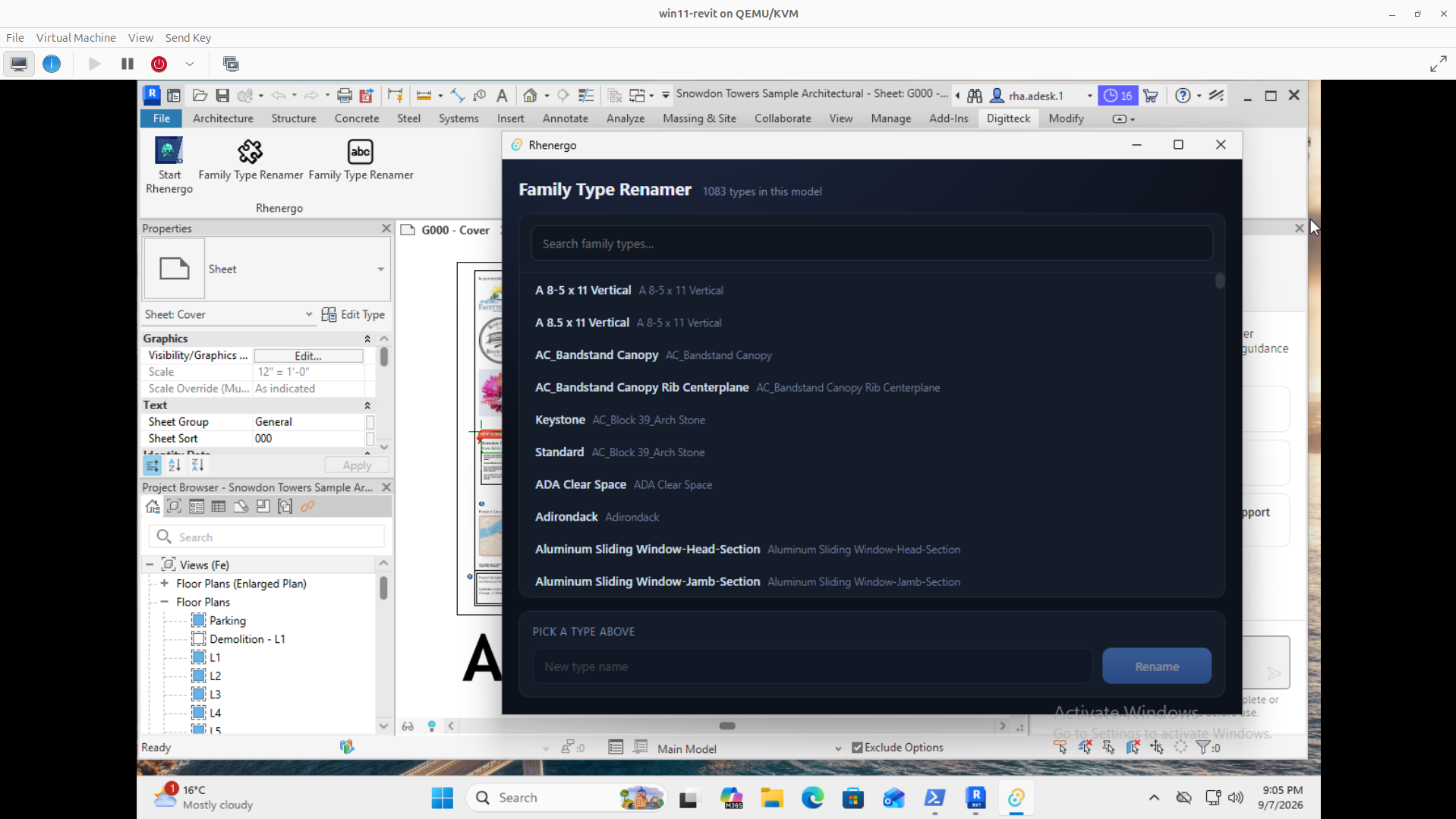
One short clip for each way to build — a script, a Composer graph, a Node App, a Code App — plus a second Code App example: a family type renamer.
AI for Revit Scripts
01 / 05Two app engines
The same tool,
built two ways.
An App is a Node App or a Code App. A Node App is designed in a visual composer — prebuilt UI nodes wired to your scripts and graphs, with no code in the app itself. A Code App is a React project: everything custom-built, with the AI Assistant helping, reaching layouts and styling a canvas does not.
They are siblings, not a beginner mode and an expert mode. Neither is a stage on the way to the other. Nothing converts between them, and both deploy to the same ribbon.
Either way it looks like your tool, not ours. A Node App carries one colour scheme — Dark, Light, or twelve colours it owns, which the assistant will set from a description. A Code App styles itself in React, so the limit is your CSS.
Node App
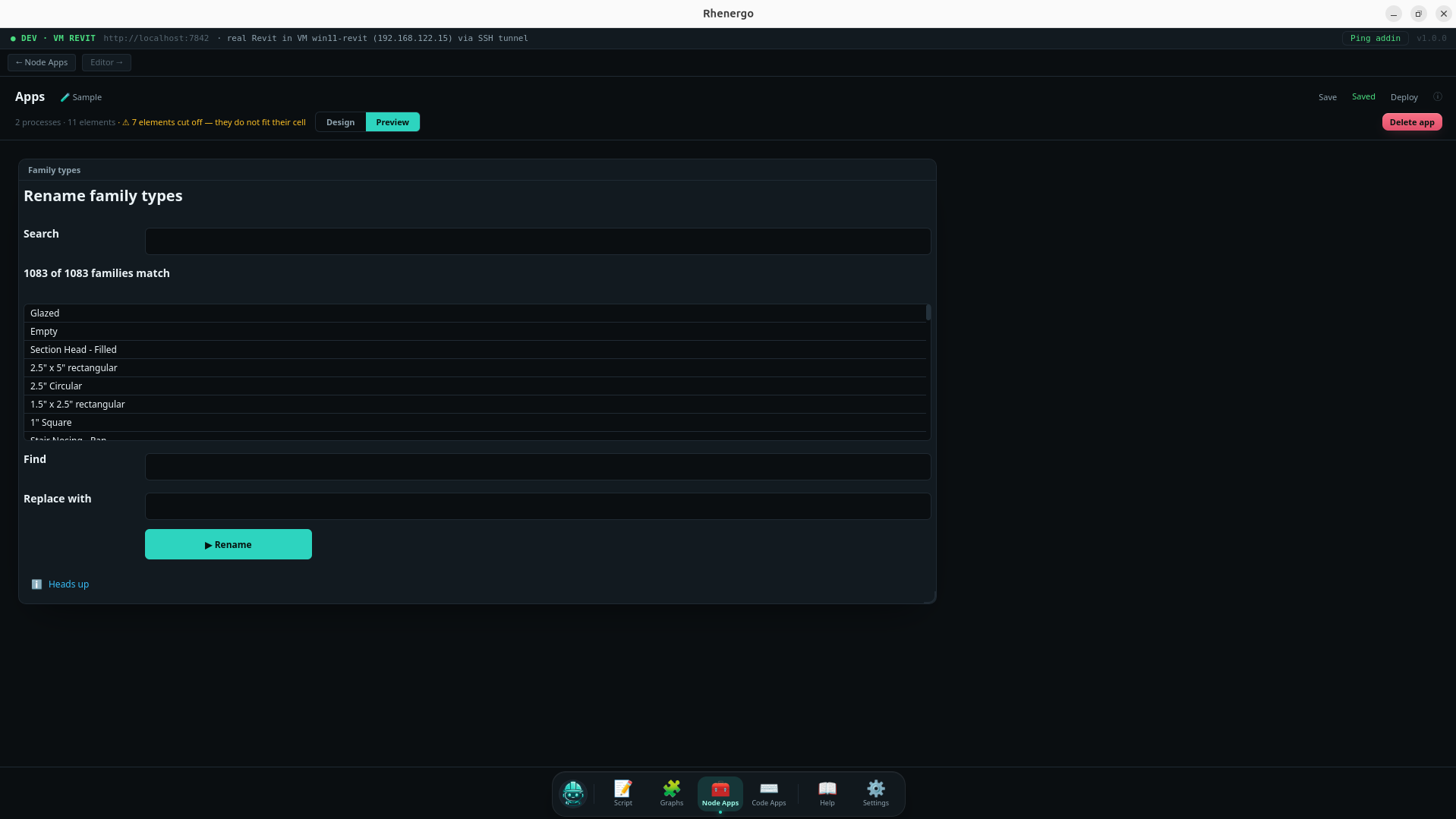
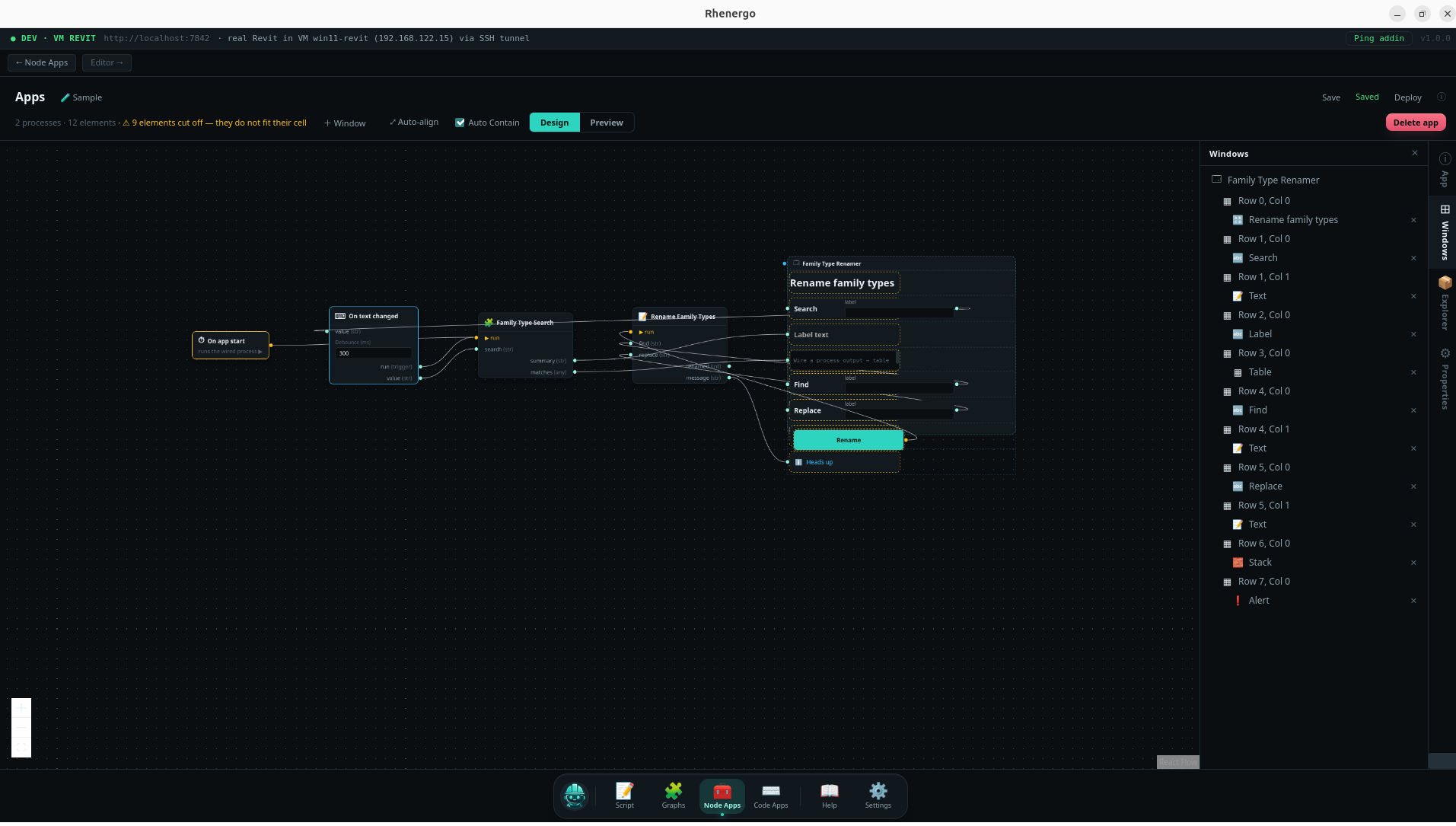
The App, running
Code App
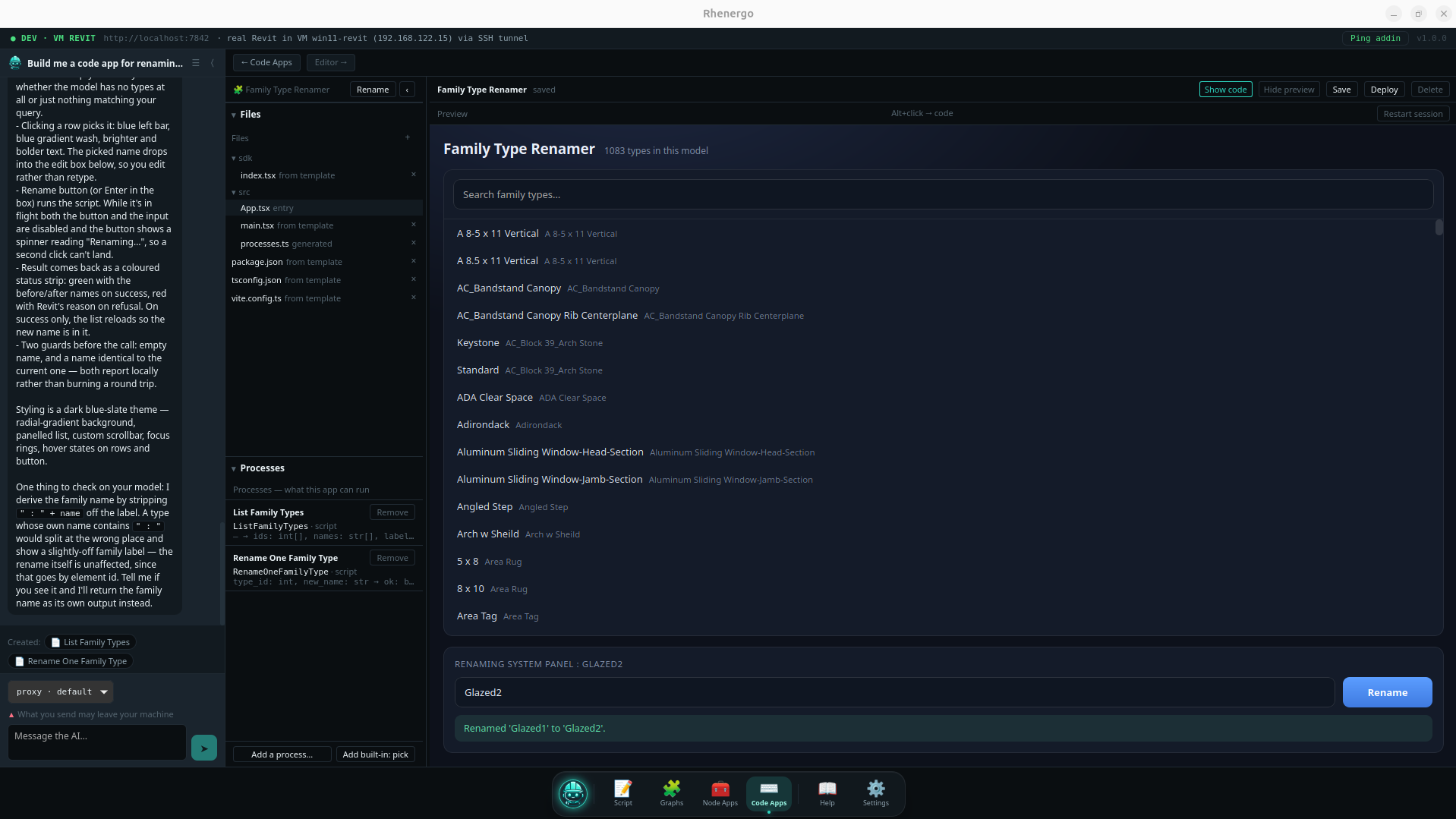
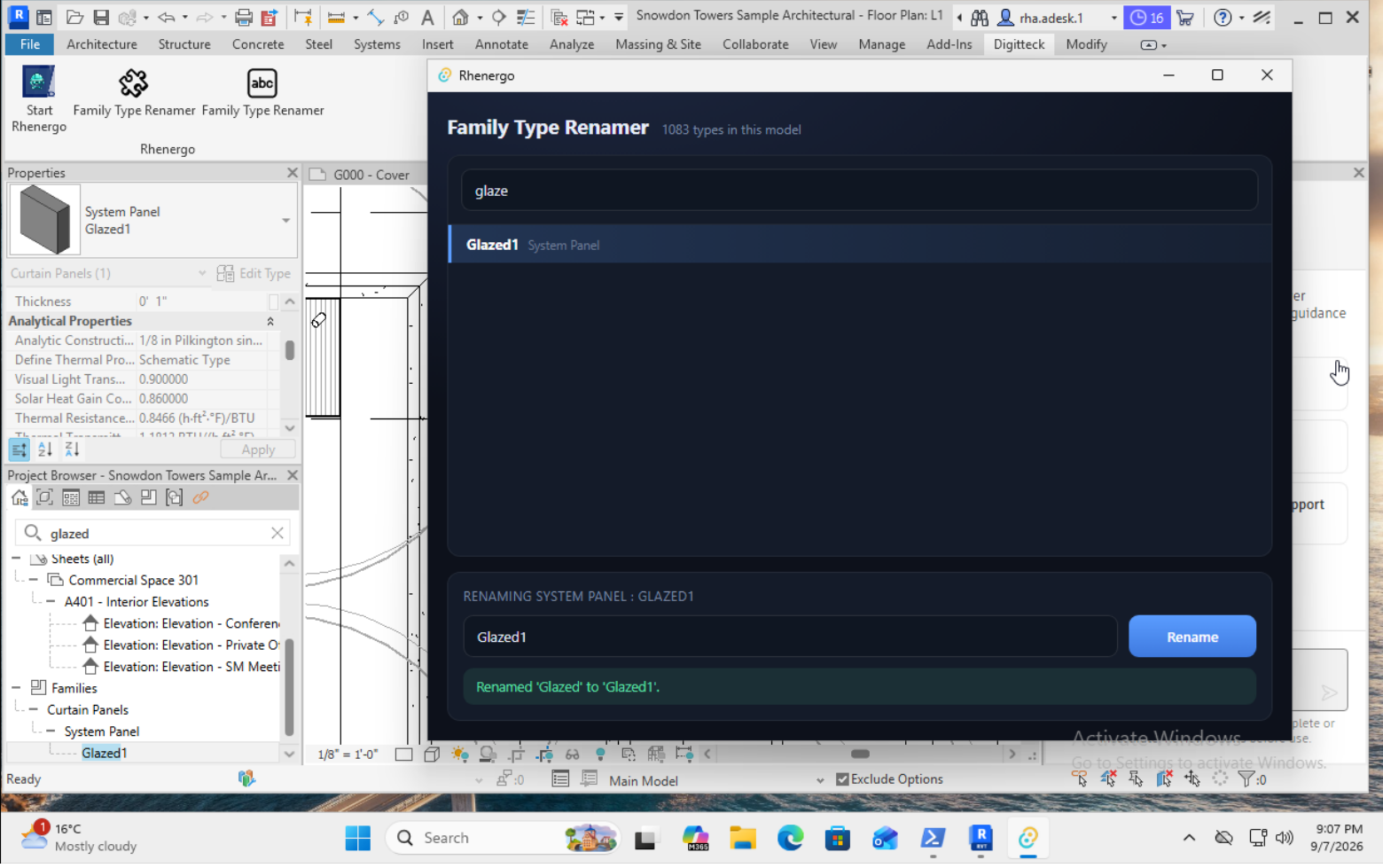
The code and its live preview
Features
AI Assistant
Scripts
Node Apps
Code Apps
Composer
Deploy
SDK Helpers
Export and share
From question to office tooling
Two ways to run
Inside Rhenergo
Run directly from the script editor, fire the Composer graph, or launch an App in preview — either engine, all inside Rhenergo. Every run returns a report of exactly which elements were added, modified, or deleted.
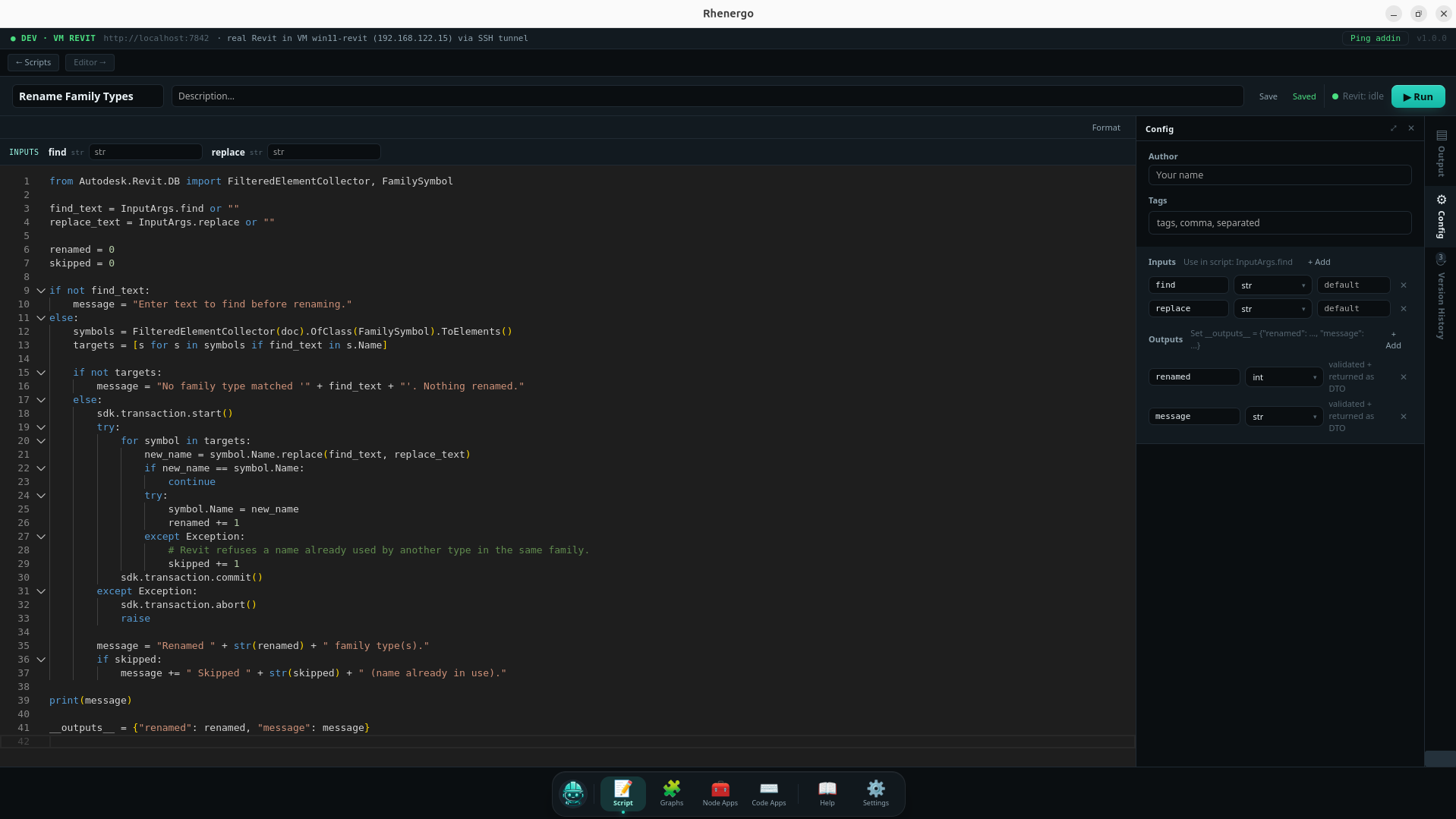
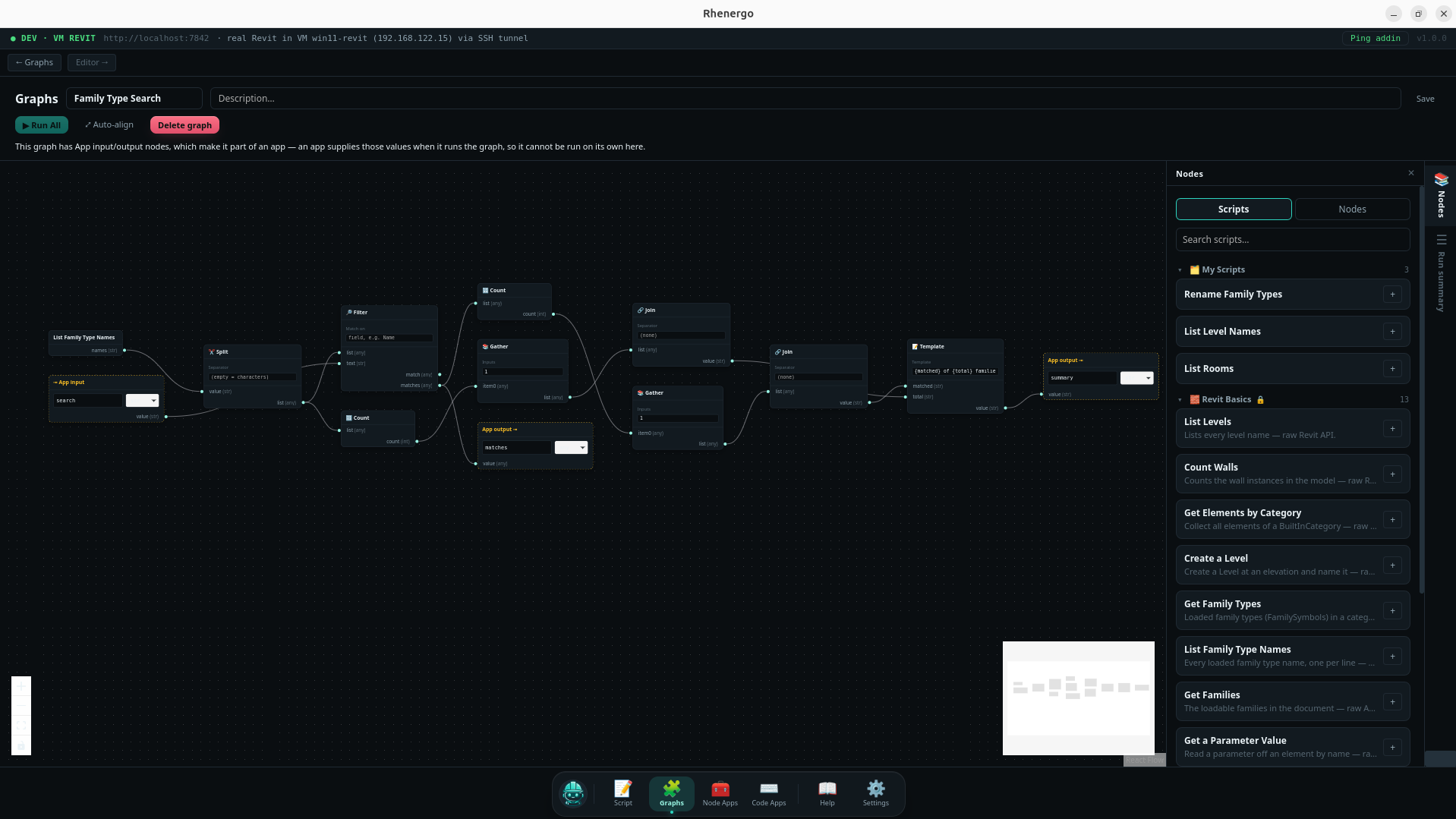
From the script editor
Flagship feature
Deploy to the Revit ribbon
Build an App inside Rhenergo — Node or Code — and click Deploy. It becomes its own button on the Revit ribbon: your icon, your name, visible to everyone on the project. They click it directly from Revit without ever opening the editor.
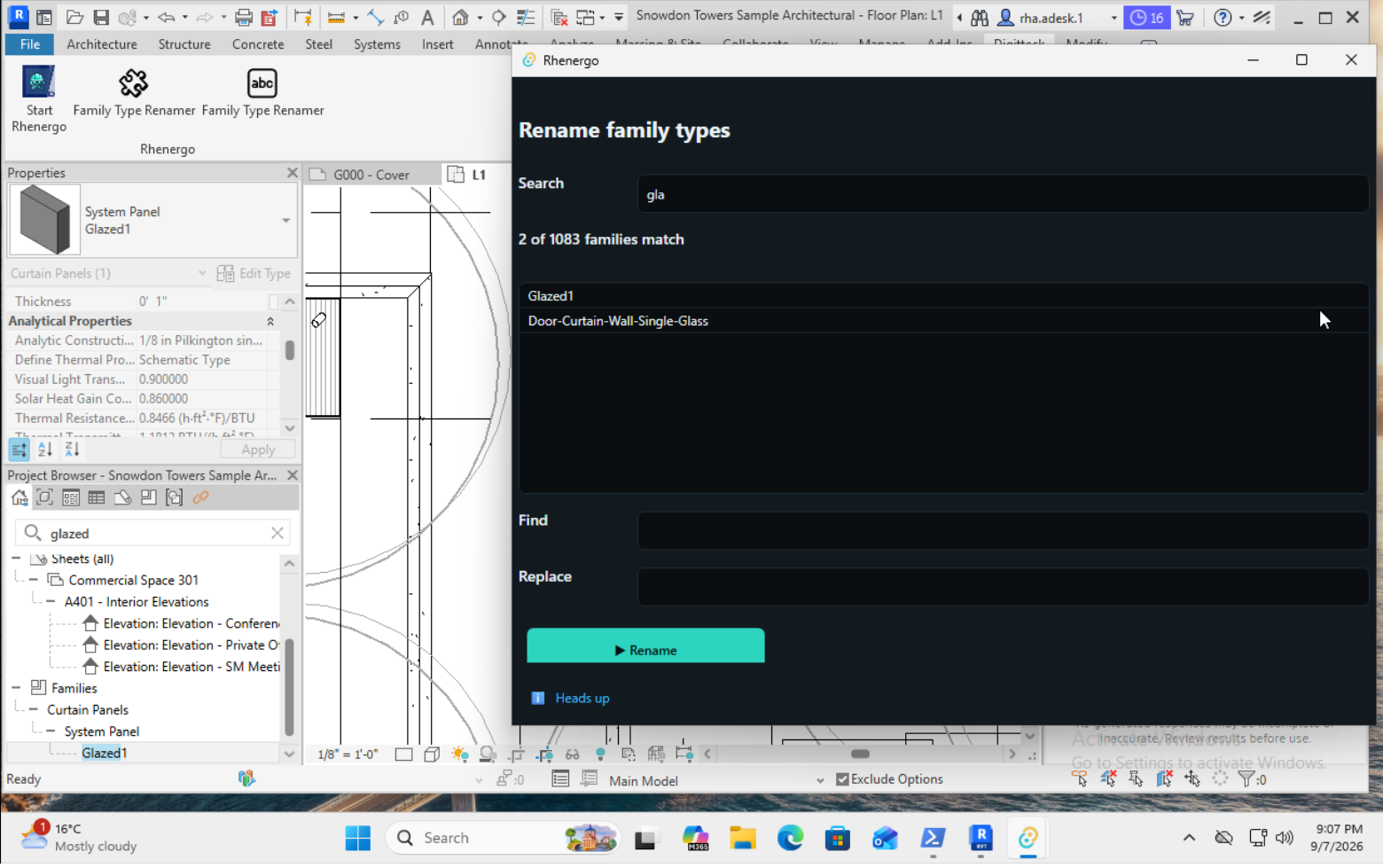
A Node App, on the ribbon
Four ways to build
AI Assistant
It builds all of them. You run them.
- Writes IronPython scripts, wires Composer graphs, and builds both Node Apps and Code Apps — from a plain-English description.
- Edits what already exists: open a script, a graph, or an App and ask for the change.
- Looks up exact method signatures and return types against the real Revit API before it writes them.
- It builds and edits. It does not run anything for you — you read the code, and you click run.
The assistant, working
Where your
data goes
and who sees it
It never goes to us. Your scripts, graphs, and Apps sit on your own machine as local records. There is nowhere for us to collect anything, so we don't.
What does leave your machine goes to the AI provider you chose, on your own API key — Anthropic, OpenAI, or Google. That is the only outbound destination, and your terms about retention and training are with them, not with us. A per-send transparency view labels exactly what is being sent and whether it stays local, may be forwarded, or goes to that provider. Only script text, element counts, and schema summaries — never full geometry, never proprietary model data.
Or send nothing at all: point Rhenergo at a local Ollama instance and it runs fully offline, with no outbound request of any kind.
Recommended models: Claude Opus 5, GPT-5, Gemini 3.5 Flash.
This is transparency, not a sandbox — which is exactly why you review and run the code.
Autodesk® Revit® 2027 · Windows (Win64)
Rhenergo
Coming SoonRevit® and Autodesk® are trademarks of Autodesk, Inc. Digitteck® and Rhenergo are Digitteck's.