 One rule.
Every
element.
Enforced.
Consistent naming across views, rooms, sheets, materials, and more. Multilingual lexicon support and Excel round-trip for large-scale projects.
Get Digitteck Suite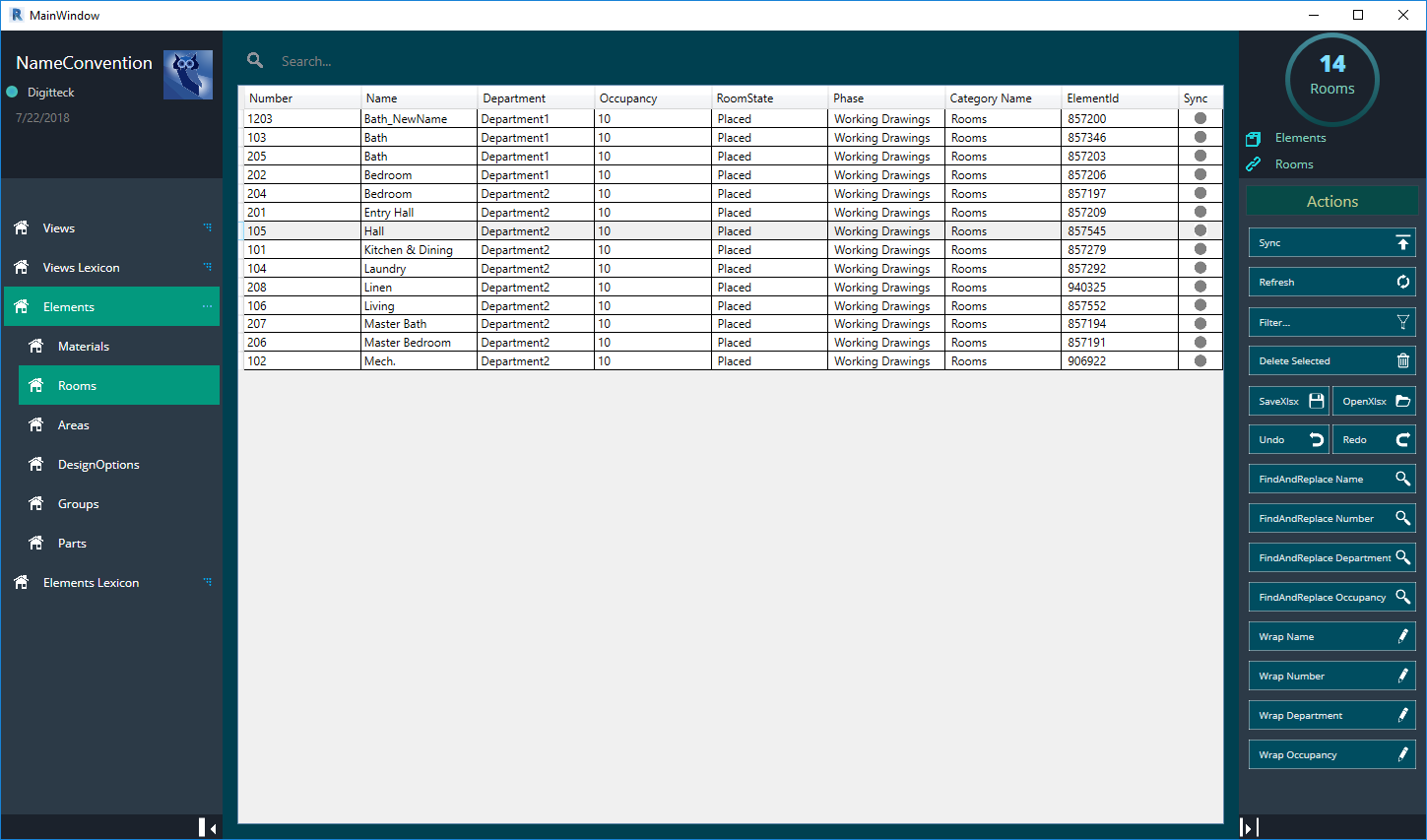
"Standards without
enforcement are
just suggestions."
NameConvention gives you a complete overview of every name currently used in your project — views, rooms, sheets, materials, areas, groups — and lets you bring them all into line with your standards.
The Lexicon feature adds a layer on top: define a controlled vocabulary of allowed values per element type, including multilingual translations, and export it to Excel for team-wide distribution.
Features
Views & Schedules
Rooms
Materials & Areas
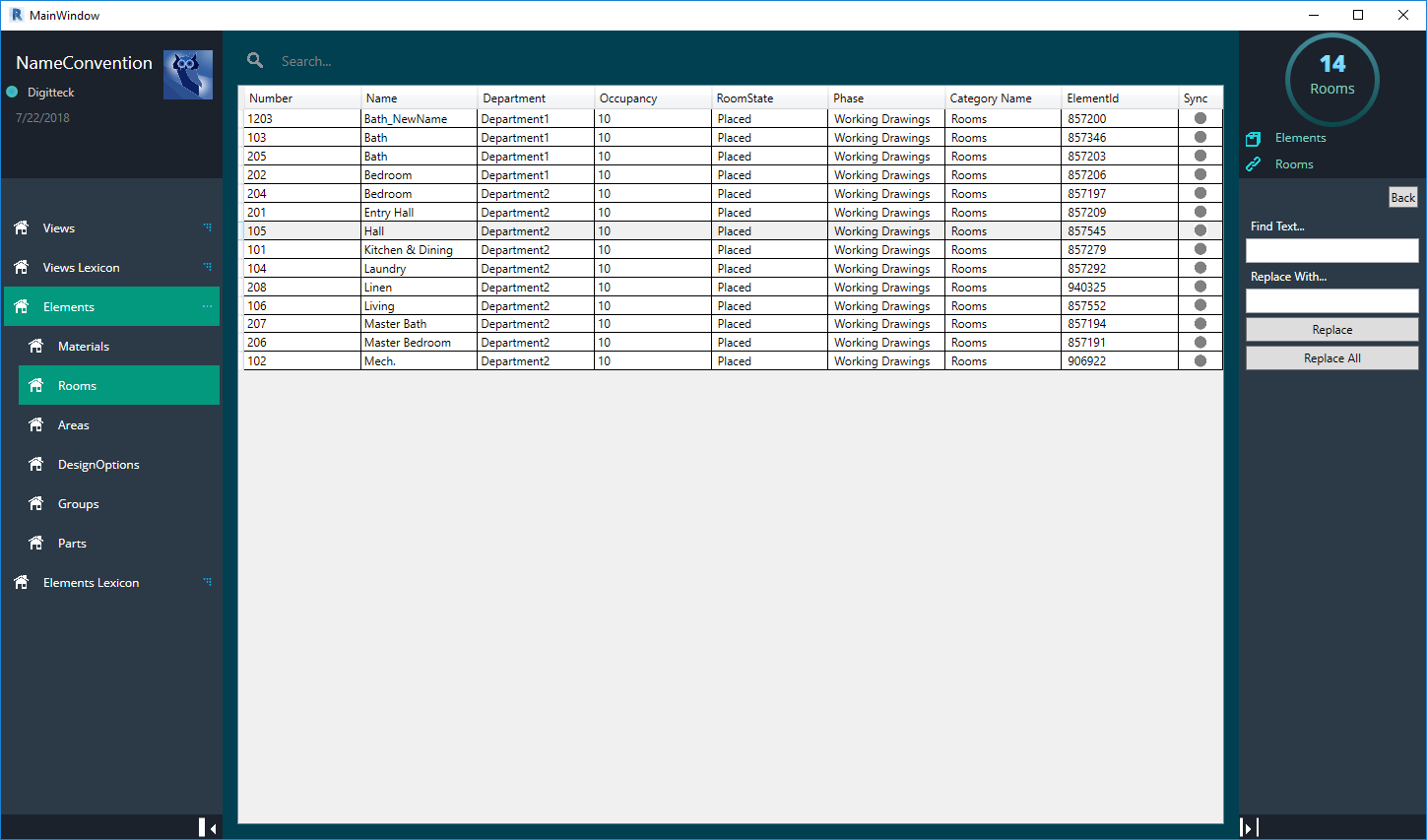
Find & Replace
Prefix / Suffix Wrap
Delete Unplaced
Lexicon Export
One-Click Sync
By category
Views & Sheets
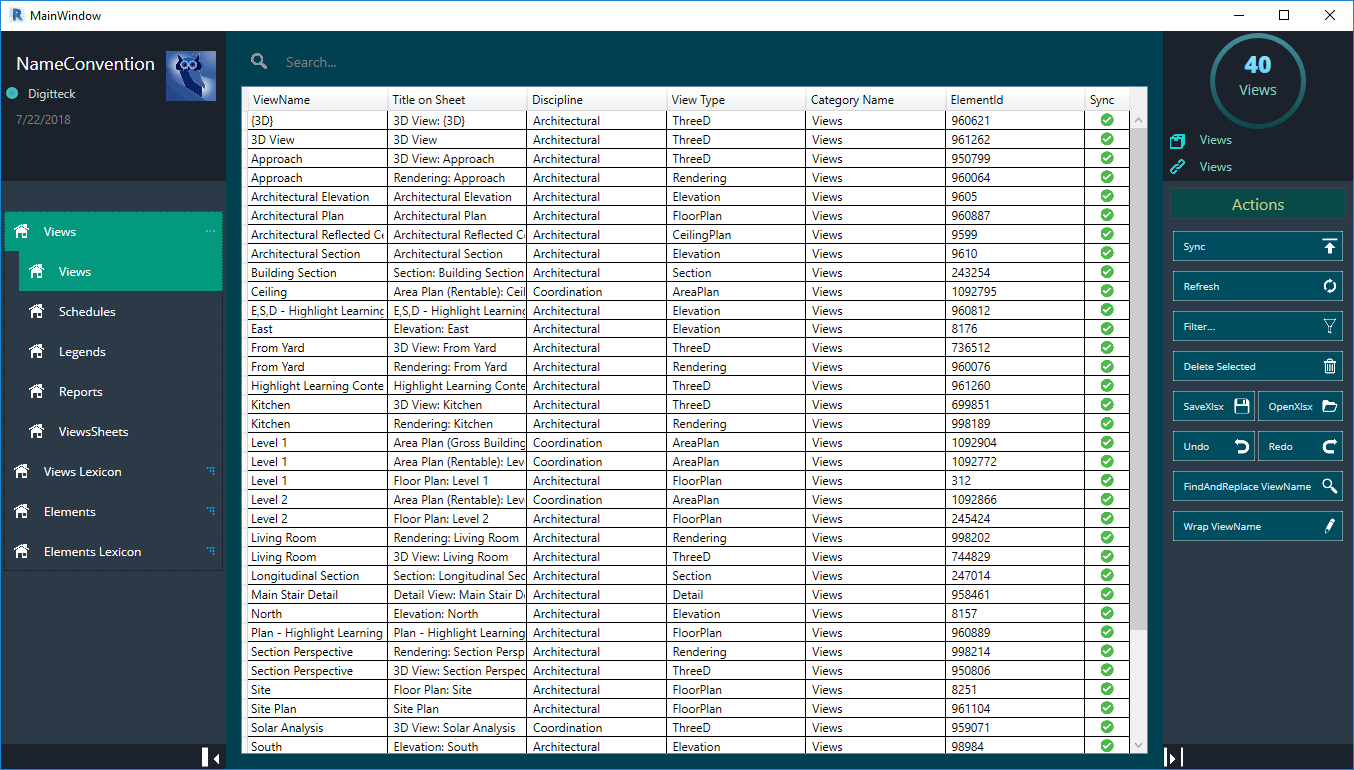
- Rename views, sheets, schedules, legends, and reports from one table.
- Renumber sheets by double-clicking the number cell.
- Find-replace and Excel round-trip for bulk sheet renames.
Video demos
Introduction
Views & Sheets
Rooms
Materials
Lexicon Export
Excel Round-Trip
Interface
Excel import
Views panel
Find and replace
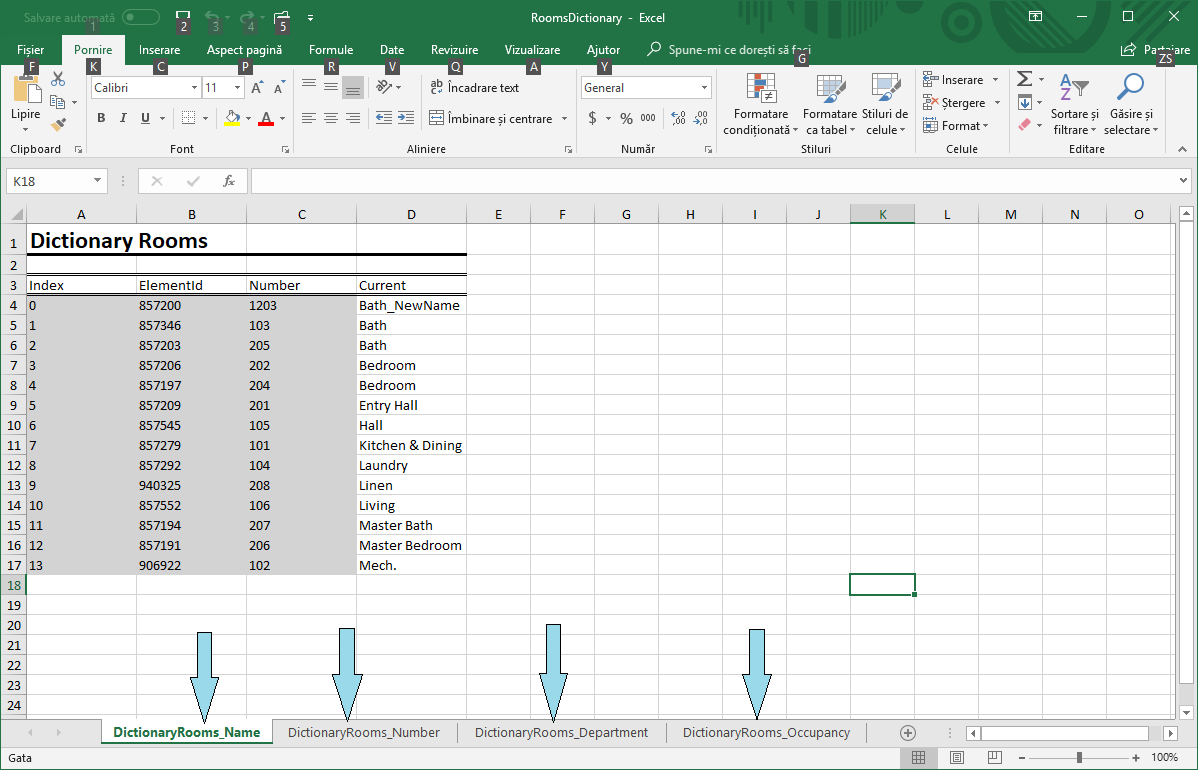
Sheets panel
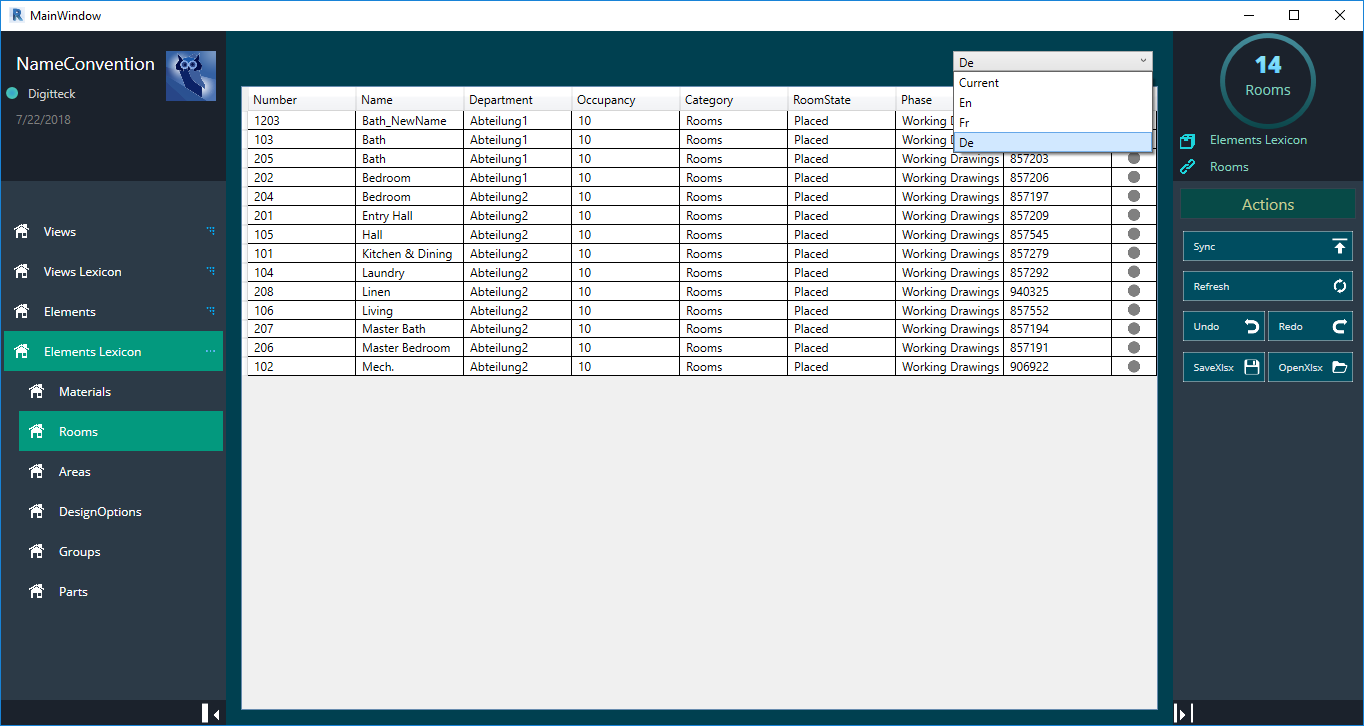
Lexicon / dictionary
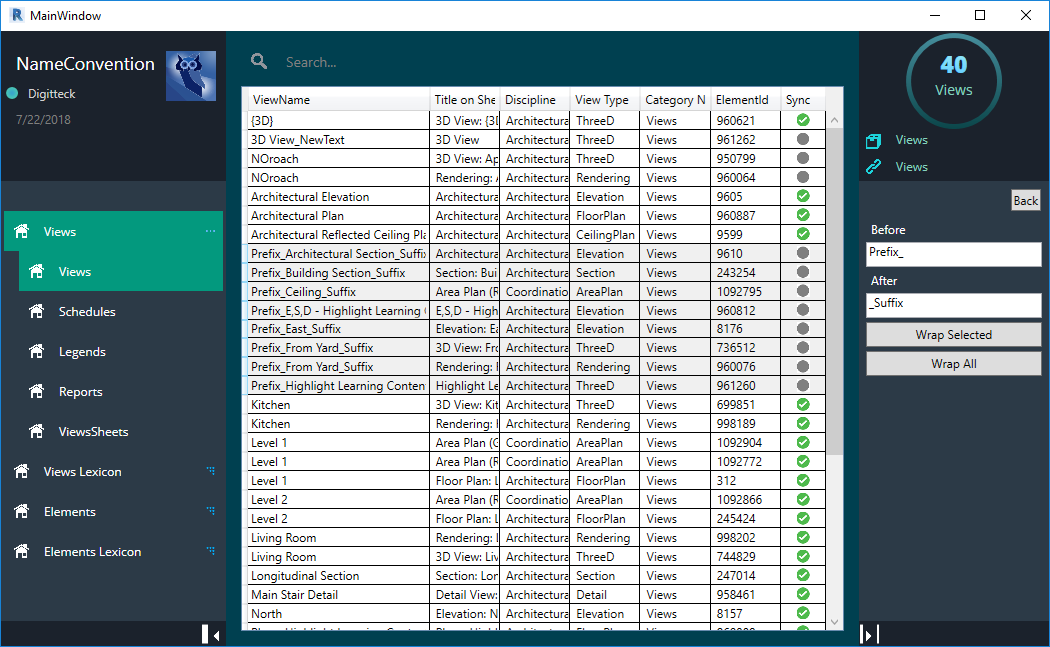
Prefix / suffix
NameConvention is exclusively available as part of Digitteck Suite. You must have an active Digitteck Suite subscription from the Autodesk App Store and be logged into Revit with your Suite subscription email. Legacy standalone licenses remain valid but will not receive updates — please migrate to Suite for continued support.
NameConvention is part of
Digitteck Suite
Get it on Autodesk App StoreIncludes all five tools · Requires Revit for Windows