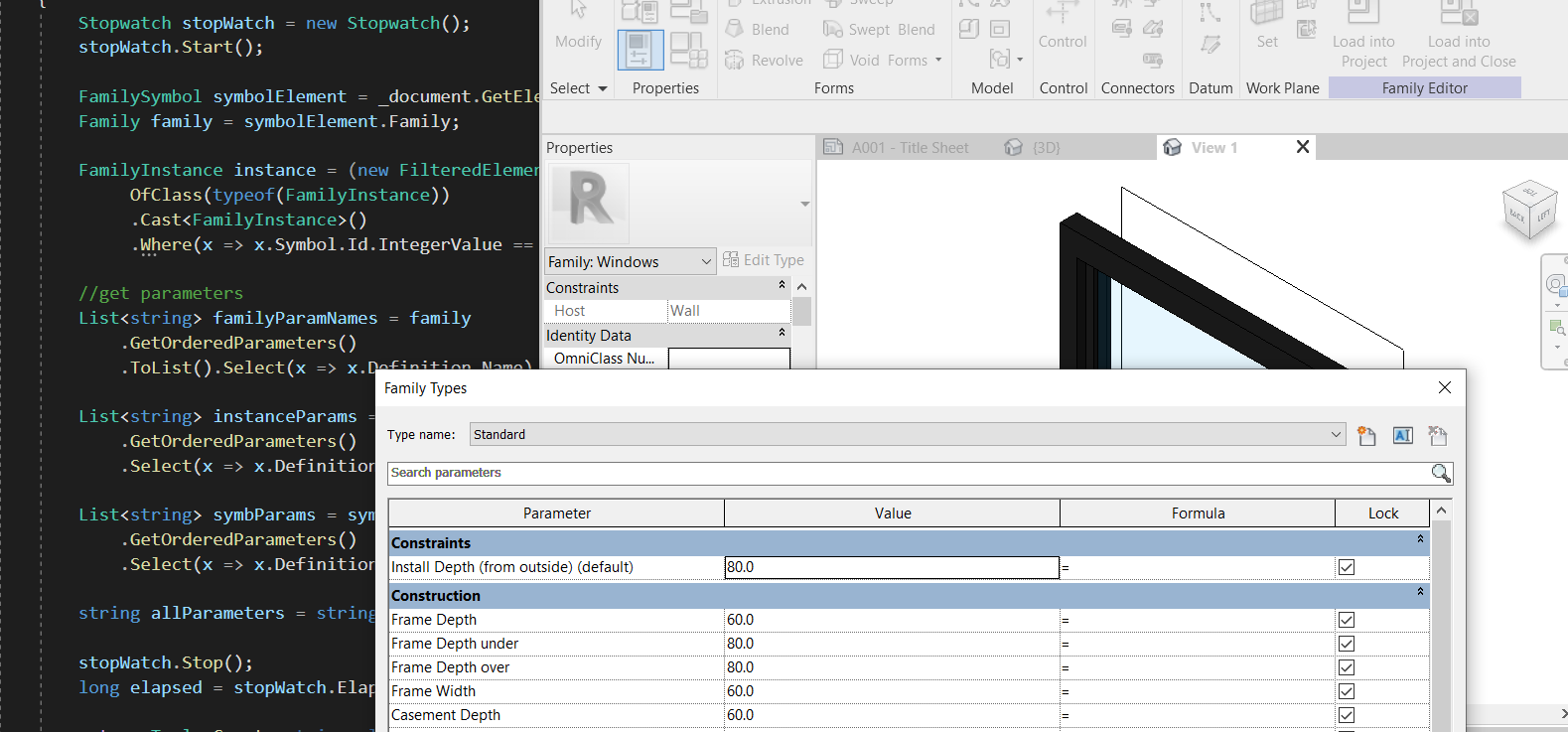
Getting parameters in Revit API is harder than it should be. The distinction between ParametersMap and ParametersSet is particularly opaque in the documentation. This article walks through three methods for retrieving the complete parameter list for a family element.
Straight Forward
The fastest approach: pull GetOrderedParameters() from three sources and union the results — the placed instance, the family symbol, and the family itself. This avoids opening the family document entirely:
// Method 1 — Fastest: get all parameters from instance + symbol + family
public Tuple<string, long> Test1(int symbolId)
{
    Stopwatch stopWatch = new Stopwatch();
    stopWatch.Start();

    FamilySymbol symbolElement = _document.GetElement(new ElementId(symbolId)) as FamilySymbol;
    Family family = symbolElement.Family;

    // Find one placed instance — only work with families that are actually used
    FamilyInstance instance = new FilteredElementCollector(_document)
        .OfClass(typeof(FamilyInstance))
        .Cast<FamilyInstance>()
        .FirstOrDefault(x => x.Symbol.Id.IntegerValue == symbolId);

    // Collect parameter names from all three sources
    List<string> familyParamNames = family
        .GetOrderedParameters()
        .Select(x => x.Definition.Name).ToList();

    List<string> instanceParams = instance
        .GetOrderedParameters()
        .Select(x => x.Definition.Name).ToList();

    List<string> symbParams = symbolElement
        .GetOrderedParameters()
        .Select(x => x.Definition.Name).ToList();

    string allParameters = string.Join("
",
        familyParamNames.Concat(instanceParams).Concat(symbParams)
            .Distinct().OrderBy(x => x));

    stopWatch.Stop();
    return Tuple.Create(allParameters, stopWatch.ElapsedMilliseconds);
}
The element property of a Parameter tells you whether it belongs to the Family, FamilySymbol, or FamilyInstance — useful when you need to filter by ownership level.
Inside the Family Document
A more thorough approach opens the family document and reads FamilyManager.Parameters — the parameters visible in the Family Editor. This is slower because opening a family document is an expensive operation:
// Method 2 — Opens the family document to read FamilyManager.Parameters
// Slower than Method 1 — opening a family document takes time
public Tuple<string, long> Test2(int symbolId)
{
    Stopwatch stopWatch = new Stopwatch();
    stopWatch.Start();

    FamilySymbol symbolElement = _document.GetElement(new ElementId(symbolId)) as FamilySymbol;

    // Parameters already on the loaded symbol
    List<string> symbParams = symbolElement
        .GetOrderedParameters()
        .Select(x => x.Definition.Name).ToList();

    var familyDocumentParameters = new List<string>();

    if (symbolElement.Family.IsEditable)
    {
        Document familyDocument = _document.EditFamily(symbolElement.Family);
        FamilyManager familyManager = familyDocument.FamilyManager;

        foreach (FamilyParameter parameter in familyManager.Parameters)
        {
            if (!symbParams.Contains(parameter.Definition.Name))
                familyDocumentParameters.Add(parameter.Definition.Name);
        }

        familyDocument.Close(false);
    }

    stopWatch.Stop();
    return Tuple.Create(
        string.Join("
", symbParams.Concat(familyDocumentParameters).Distinct().OrderBy(x => x)),
        stopWatch.ElapsedMilliseconds);
}
ParametersMap vs ParametersSet
A third approach navigates three distinct collections. The union of all three matches the complete list returned by Method 1:
// Method 3 — ParametersMap vs ParametersSet
// Three sources covering different aspects of the parameter space:
//   (Red)    FamilySymbol.ParametersMap — includes meta-params like FamilyName, Category
//   (Yellow) Family.ParametersMap       — accessed via Family.OwnerDocument when in family editor
//   (Blue)   Family.ParametersSet       — the actual family-level parameters

// ParametersMap has additional notions like FamilyName and Category that ParametersSet does not.
// The union of sources (Red + Yellow + Blue) matches the complete list from Method 1.

IEnumerable<Parameter> symbolMapParams = symbolElement.ParametersMap
    .Cast<Parameter>();

IEnumerable<Parameter> familyMapParams = symbolElement.Family.ParametersMap
    .Cast<Parameter>();

IEnumerable<Parameter> familySetParams = symbolElement.Family.Parameters
    .Cast<Parameter>();

IEnumerable<string> allNames = symbolMapParams
    .Concat(familyMapParams)
    .Concat(familySetParams)
    .Select(x => x.Definition.Name)
    .Distinct()
    .OrderBy(x => x);
Performance
Tested on a Revit sample model: Method 1 (instance + symbol + family via GetOrderedParameters) is significantly faster than Method 2 (opening the family document). The gap grows with complex families and larger models.