Filters in the Revit API are the mechanism by which you narrow the full element set to the subset you care about. They are classified as fast (operating on element metadata without expanding the element) or slow (requiring the element to be fully loaded into memory). Combining a fast filter with a slow filter keeps performance acceptable even on large models.
ElementLevelFilter
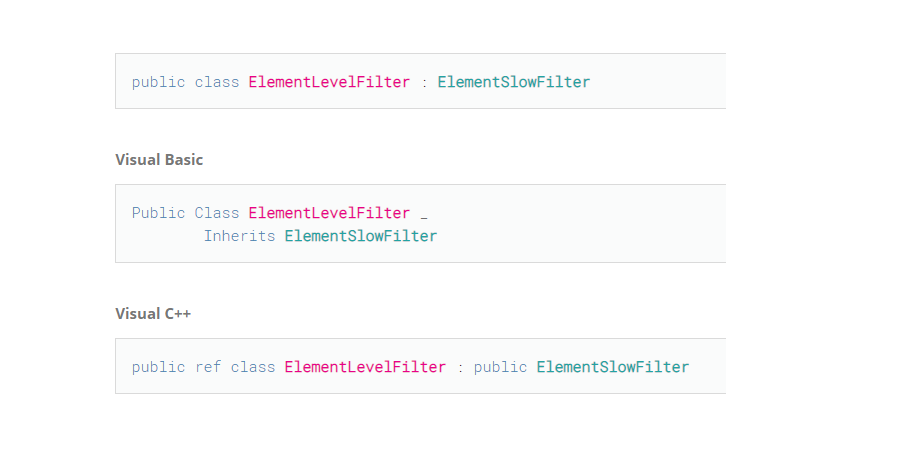
ElementLevelFilter matches elements associated with a specific level, identified by its ElementId. It is a slow filter because the association data is not part of the element's lightweight metadata. Chaining it after OfCategory (a fast filter) means the slow expansion only runs on the already-narrowed category set:
csharp
// Get the Level's ElementId (e.g. from a Level object or a stored integer)
ElementId levelId = new ElementId(myLevelId);

// FilteredElementCollector is the primary search/filter tool in the Revit API
FilteredElementCollector collector = new FilteredElementCollector(document);

// ElementLevelFilter is a slow filter — the element must be expanded in memory first.
// Combine it with a fast filter (OfCategory) to reduce the expansion cost.
ElementLevelFilter levelFilter = new ElementLevelFilter(levelId);

// OfCategory applies a fast ElementCategoryFilter first;
// WherePasses then applies the slow ElementLevelFilter only to those results.
IList<Element> doors = collector
    .OfCategory(BuiltInCategory.OST_Doors)
    .WherePasses(levelFilter)
    .ToElements();

foreach (Element element in doors)
{
    if (element is FamilyInstance door)
    {
        // Work with each door on the given level
        string name = door.Name;
    }
}
Key Types
FilteredElementCollector— the main entry point for querying a document's elementsOfCategory(BuiltInCategory)— fast filter; restricts to a built-in categoryWherePasses(ElementFilter)— applies any additional filter (fast or slow)ElementLevelFilter— slow filter; matches by associated level