 One Suite.
Five tools.
Zero
compromise.
Streamline your BIM workflow with AutoNumbering, FamilyNames, NameConvention, VeloBox, and Model QA — combined in a single Revit add-in installer.
Download from Autodesk App Store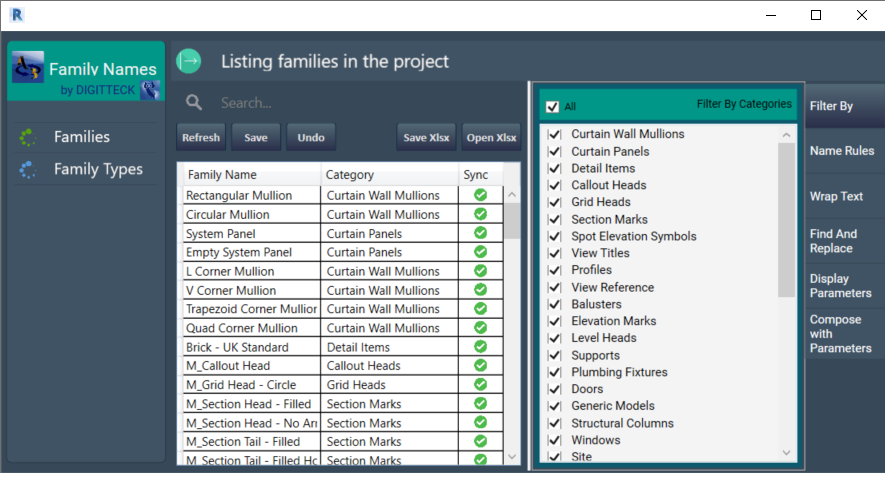
FamilyNames
"Five tools.
One workflow.
Every project."
Digitteck Suite bundles AutoNumbering, FamilyNames, NameConvention, VeloBox, and Model QA into a single installer and a single subscription. Each tool addresses a specific task in BIM production — together they cover numbering, naming, conventions, room creation, and model health auditing.
Every tool shares the same core principles: a focused interface, one-click Revit sync, and Excel round-trip support. Learn one, know all five.
What's included
Smart element numbering
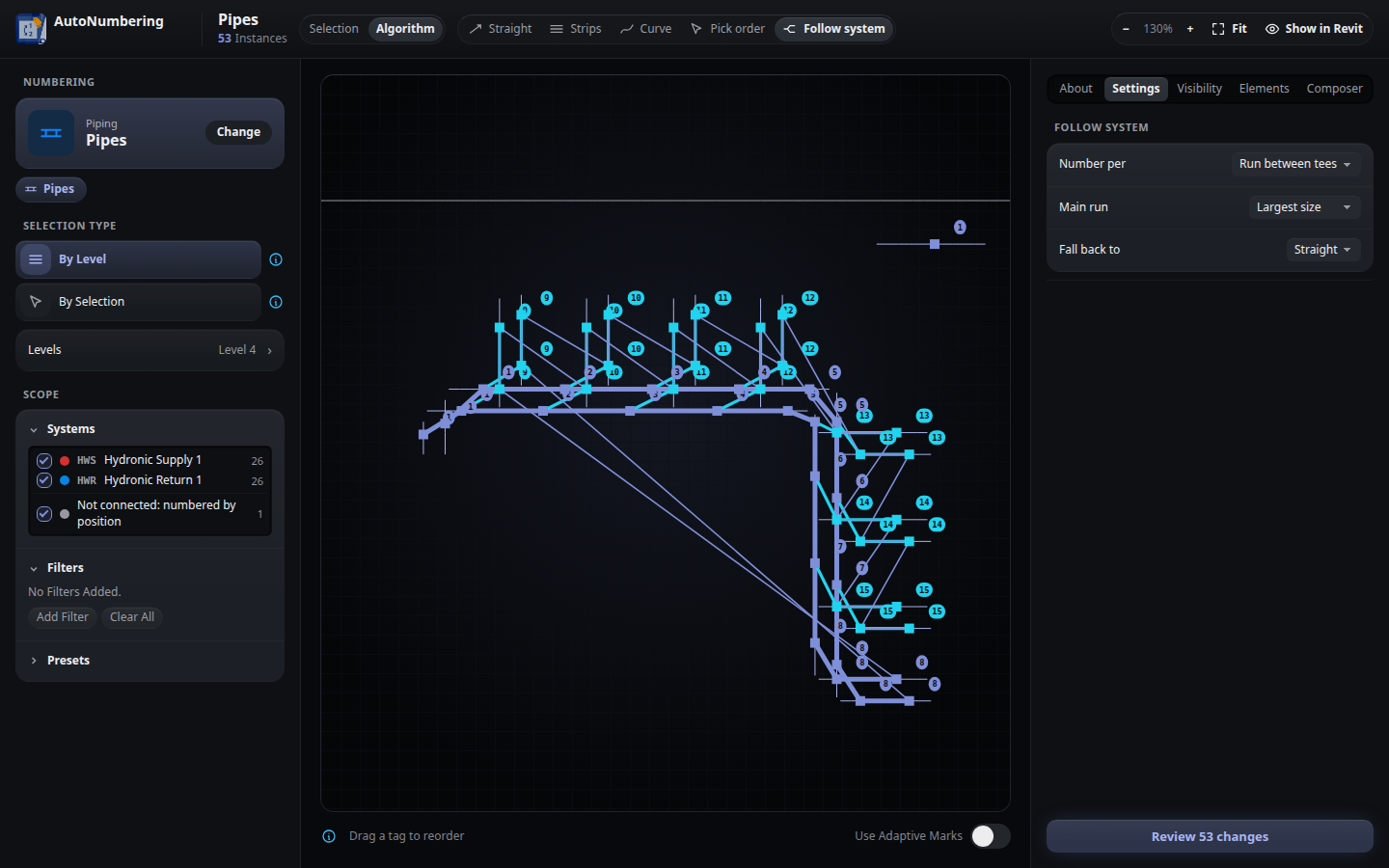
AutoNumbering
Number doors, rooms, spaces, pipes, ducts and fifteen more Revit categories. Five strategies — straight, strips, curve, pick order and follow system — with a live preview and one-step undo.
Family & type name management
FamilyNames
Standardize family and type names at scale. Inline rename, find-replace, prefix/suffix wrap, validation rules, and Excel round-trip editing.
Project-wide naming standards
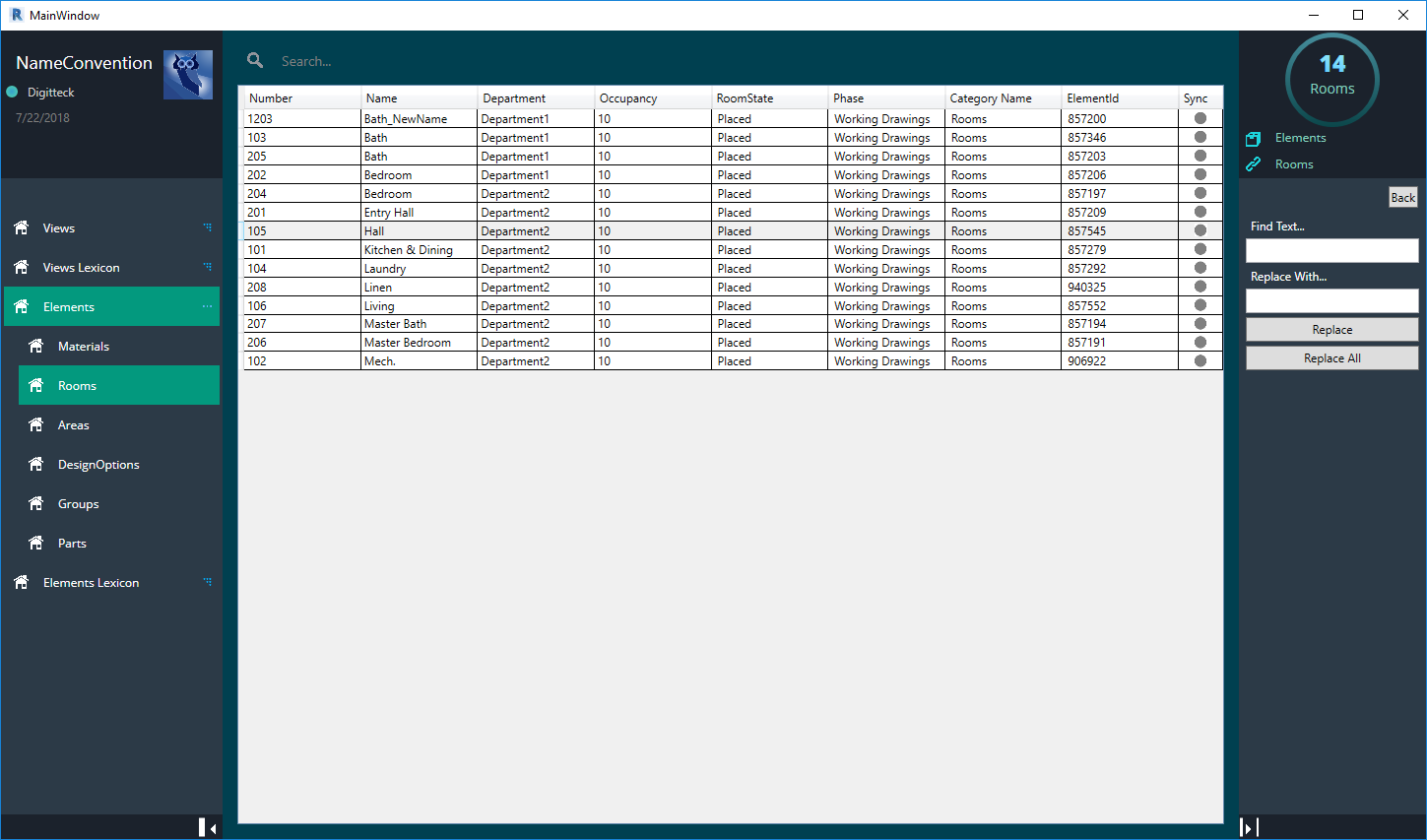
NameConvention
Enforce consistent naming across views, rooms, sheets, materials, and more. Multilingual Lexicon export and Excel bulk editing for large projects.
Room creation & parameter automation
VeloBox
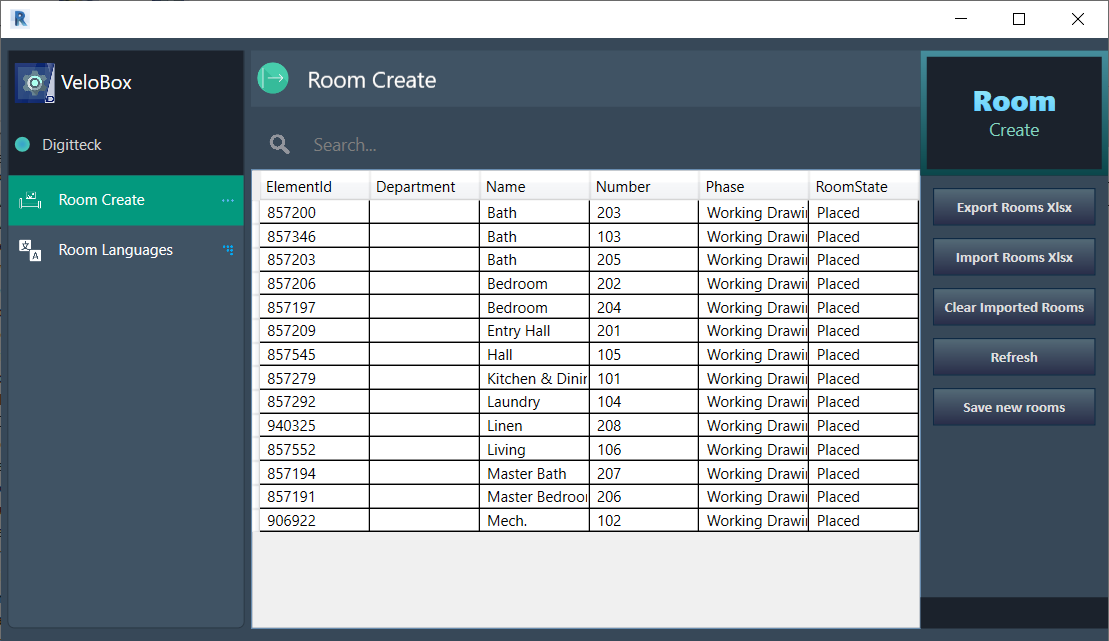
Import room programmes from Excel and create every room in Revit in one step. Multilingual shared parameter support for international BIM projects.
Warnings & model-health auditor
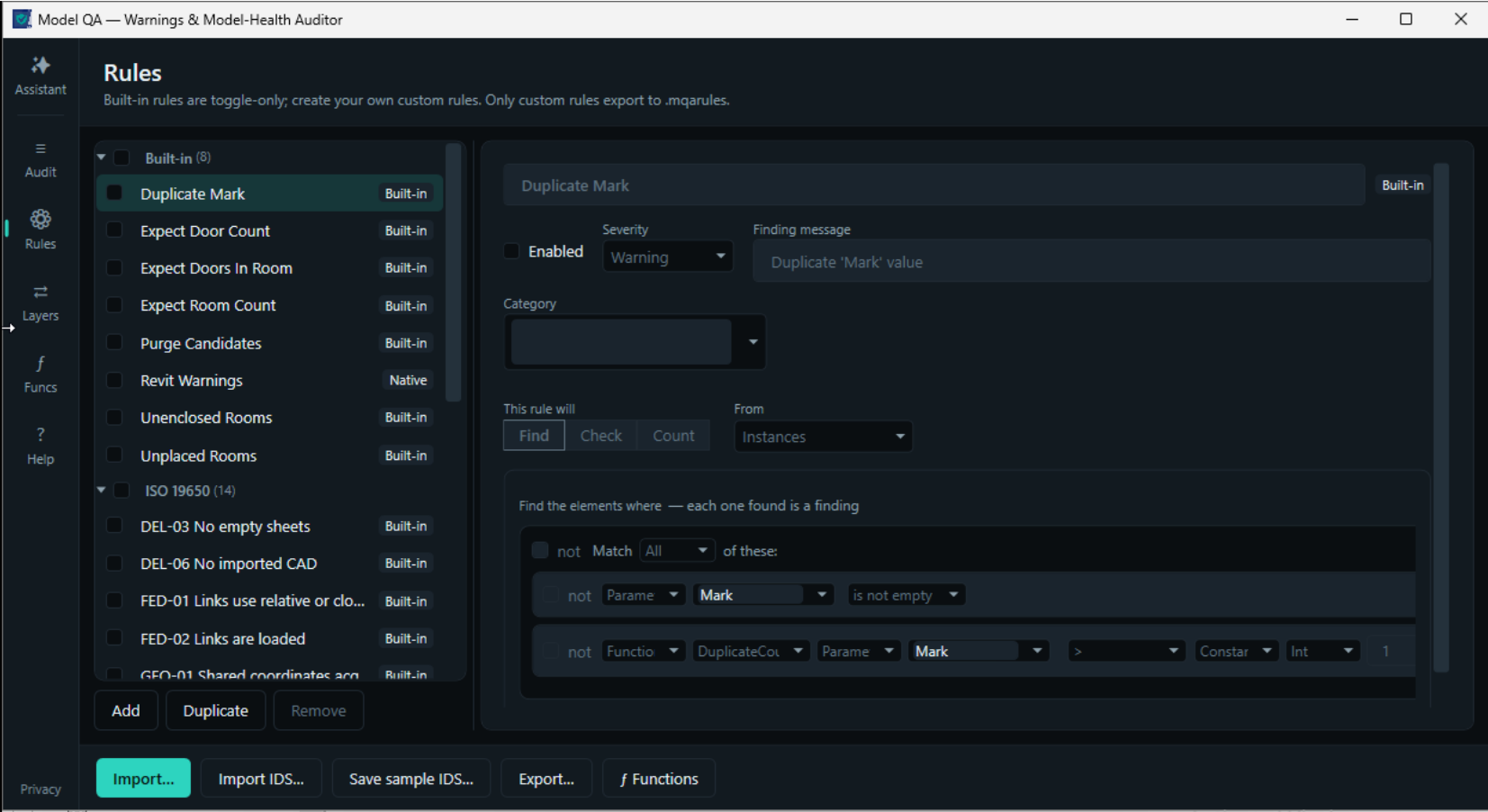
Model QA
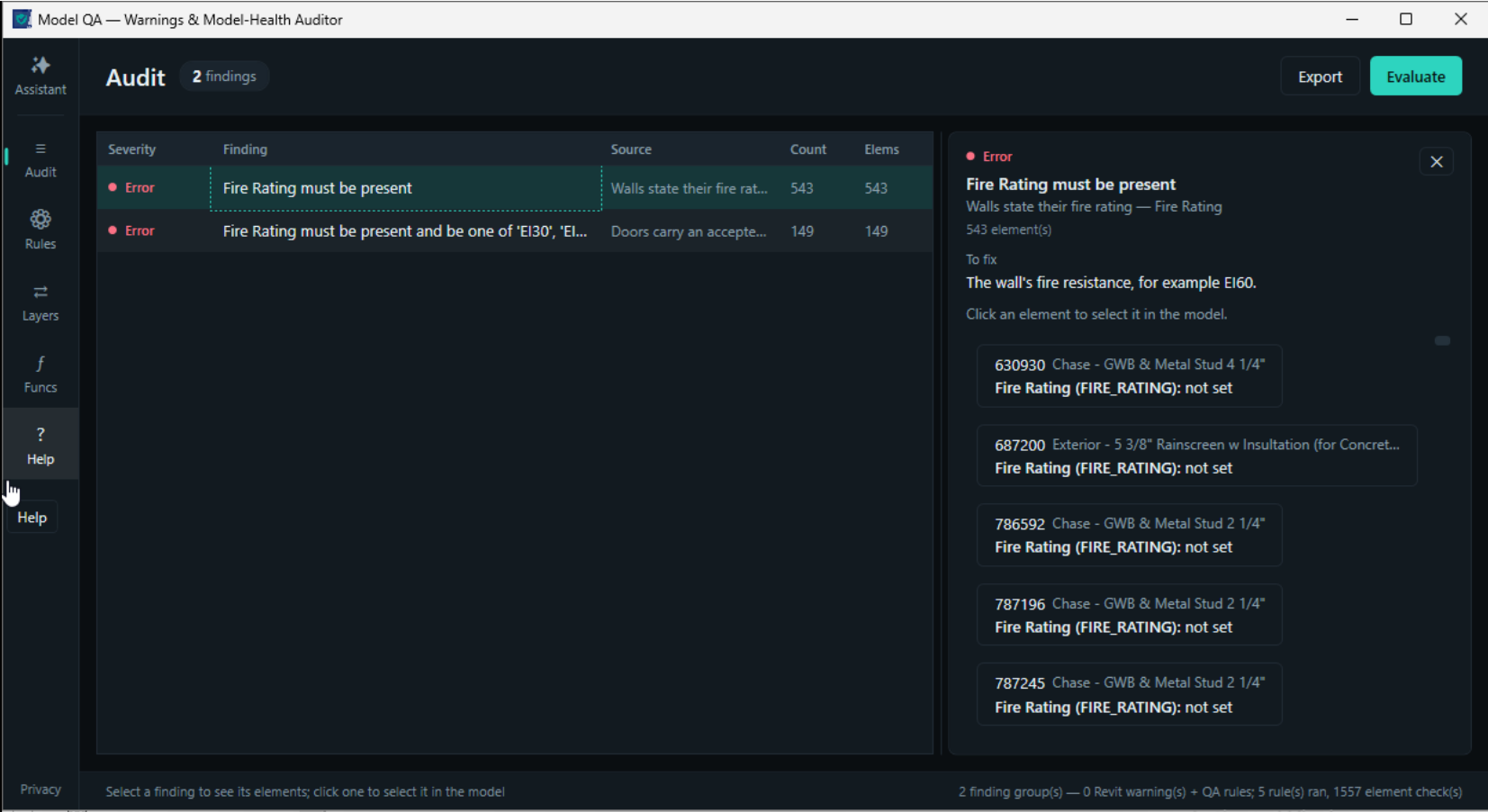
Consolidate Revit warnings and your own custom QA rules in one pane. Click any finding to zoom to the element. Export the audit to Excel for sign-off.
Licensing
"One subscription.
All five tools.
Autodesk App Store."
- 01Log into Revit using the same email address associated with your Autodesk App Store purchase.
- 02The add-in provides 5 days of offline use. Logging in resets this offline period. First-time users must log in to activate offline mode.
- 03Subscriptions are managed through Autodesk Entitlement Service. Each license is per email — multi-seat distribution requires individual purchases.
- 04Suite combines FamilyNames, VeloBox, AutoNumbering, NameConvention, and Model QA into one unified solution. These tools are no longer sold separately.
Available now on
Autodesk
App Store
Download Digitteck SuiteIncludes all five tools · Requires Revit for Windows